
PureVPN is introducing dedicated servers to address the diverse needs and preferences of its users. Some users have been using the Family Plan for business purposes, and dedicated servers will provide them with the ability to create multiple sessions on the same server, offering more versatility. Users will also have the option to use dedicated servers, ensuring a seamless and secure browsing experience.
Before you can connect you must have PureVPN Dedicated Server addon.
Windows
- Click Globe🌐icon at the left panel of PureVPN app.

- Click the Dedicated Server to connect.

- You are now Connected successfully with your Dedicated Server.

macOS
- Click the Locations 🌐 option at the left panel of the PureVPN app.
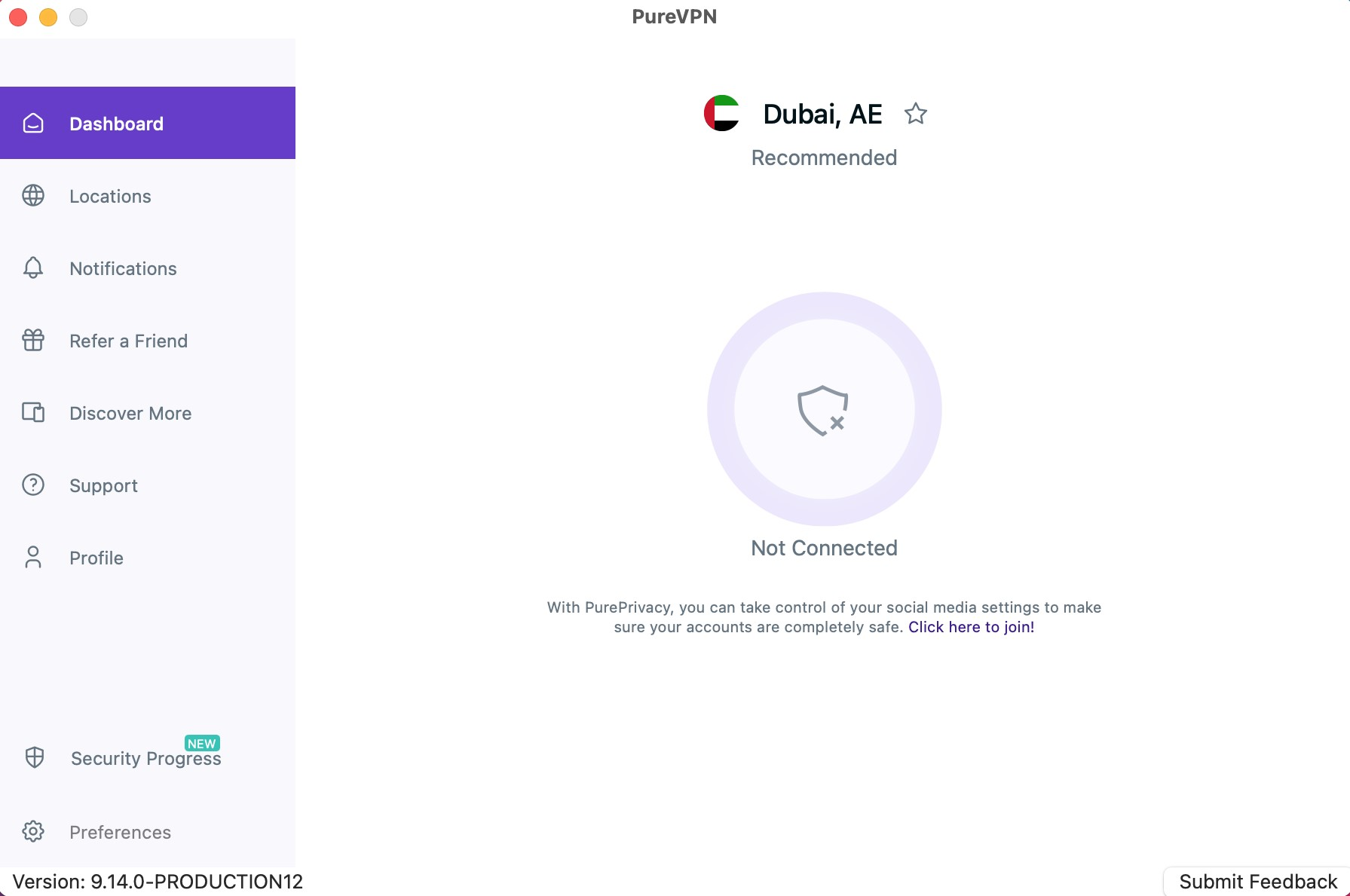
- Click the Dedicated Server to connect.
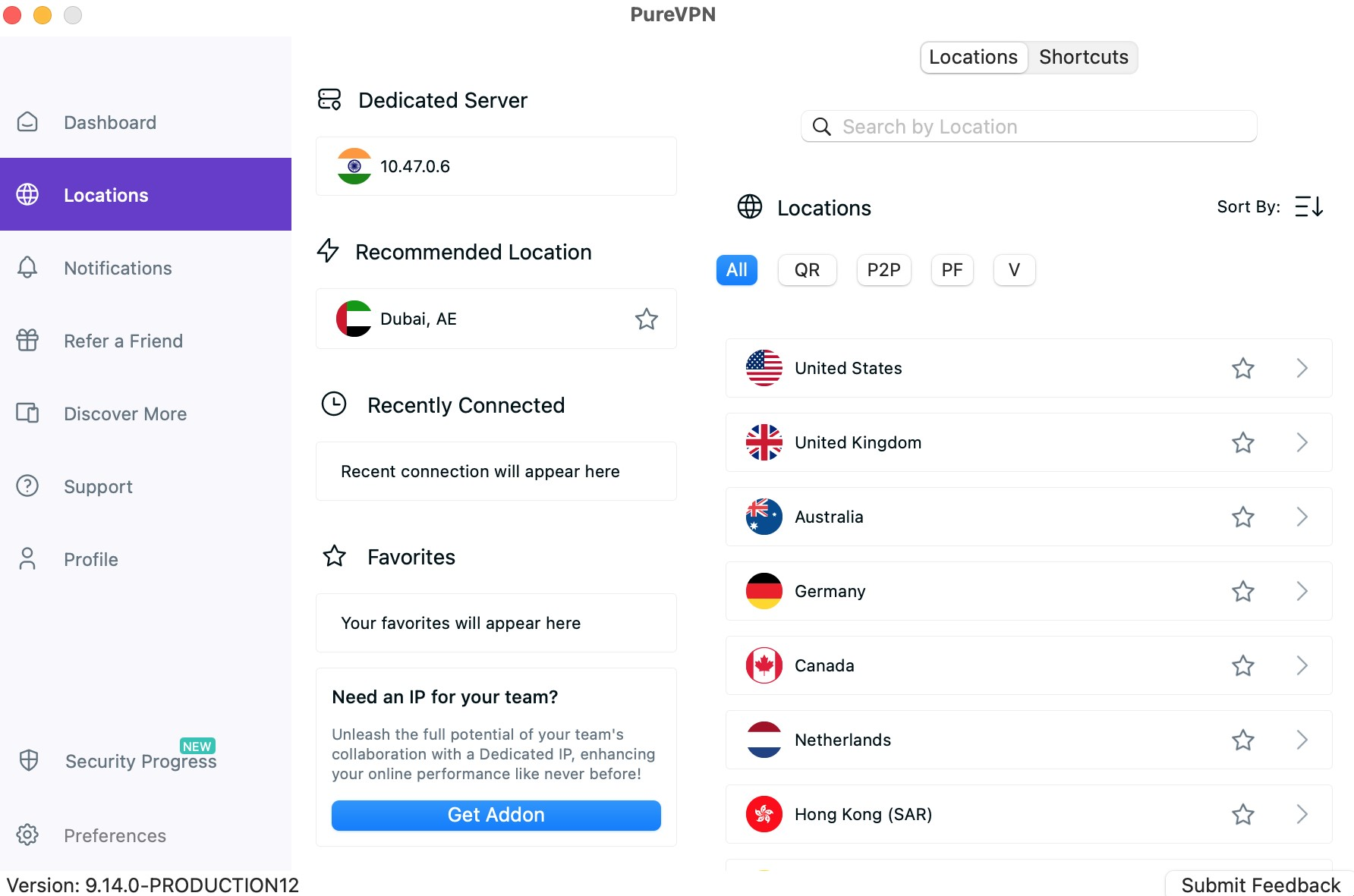
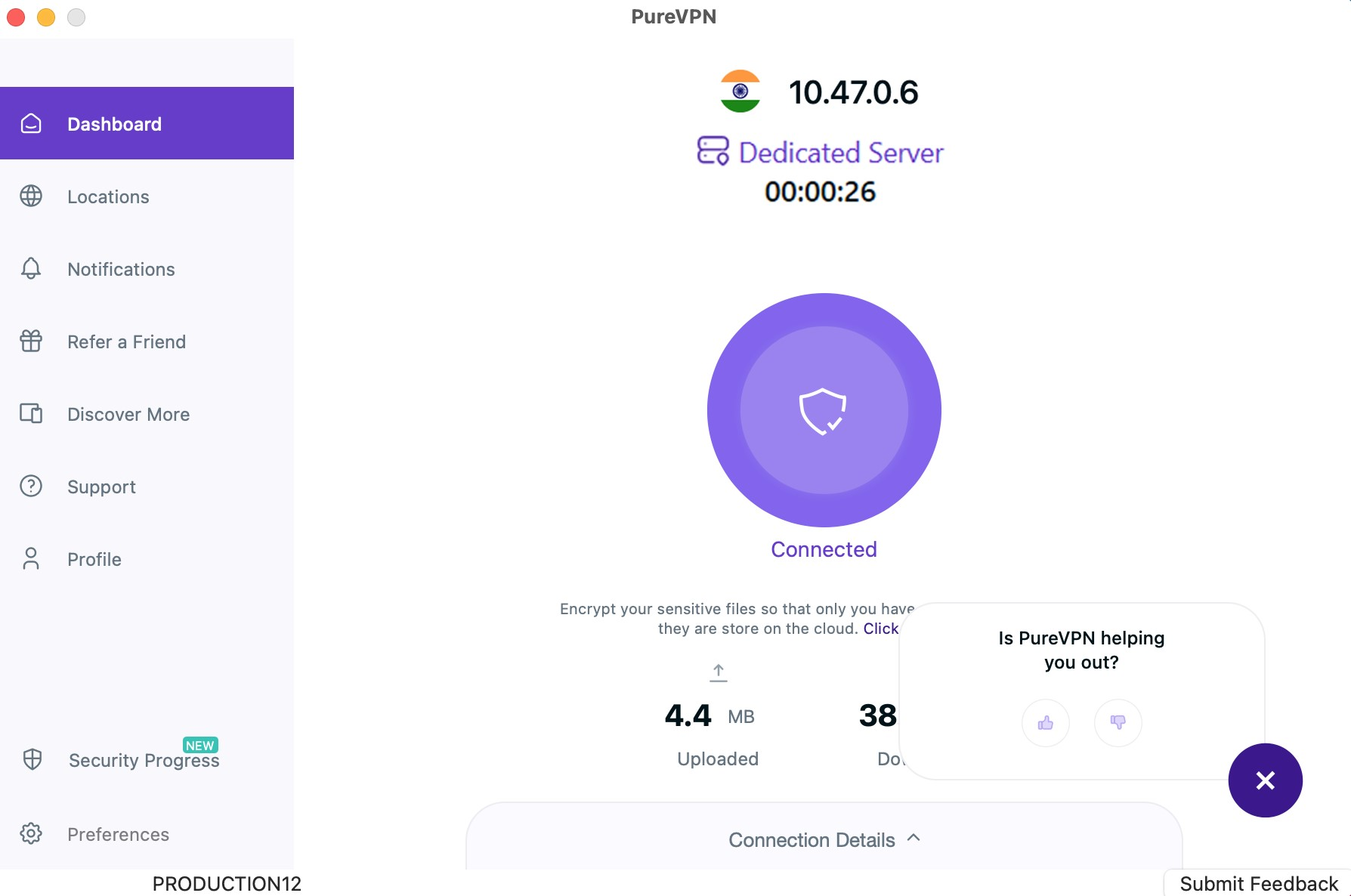
- You are now Connected successfully with your Dedicated Server.
Linux
- Click the Locations 🌐 option at the left panel of the PureVPN app.
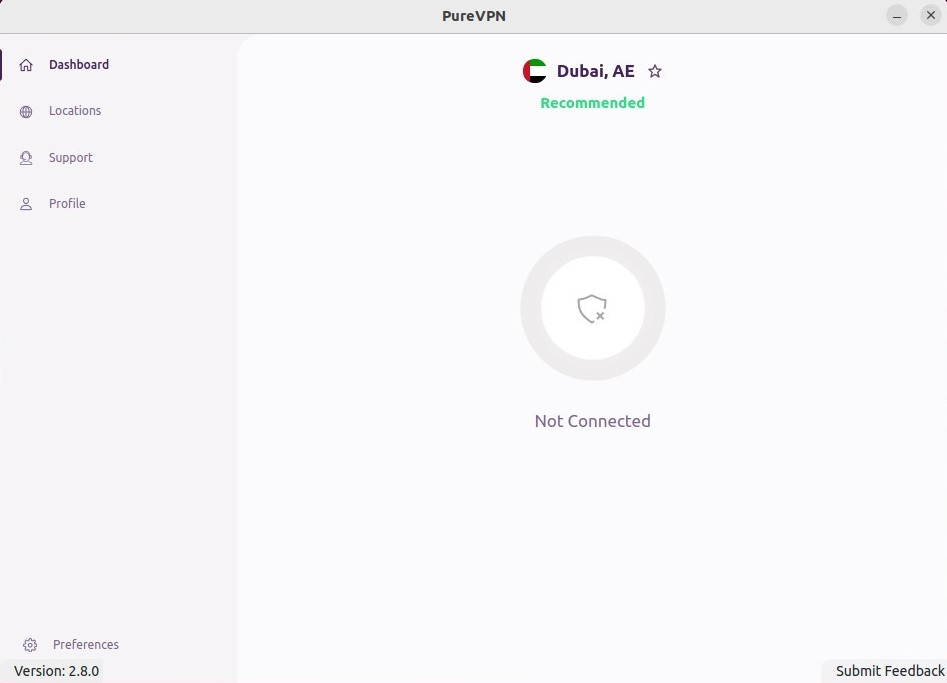
- Click the Dedicated Server to connect.
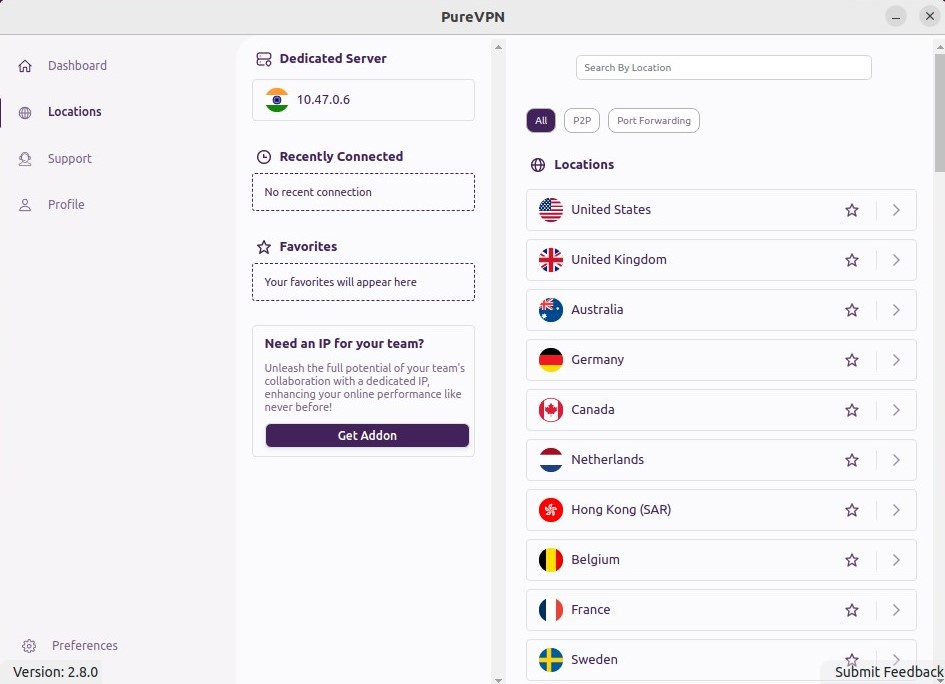
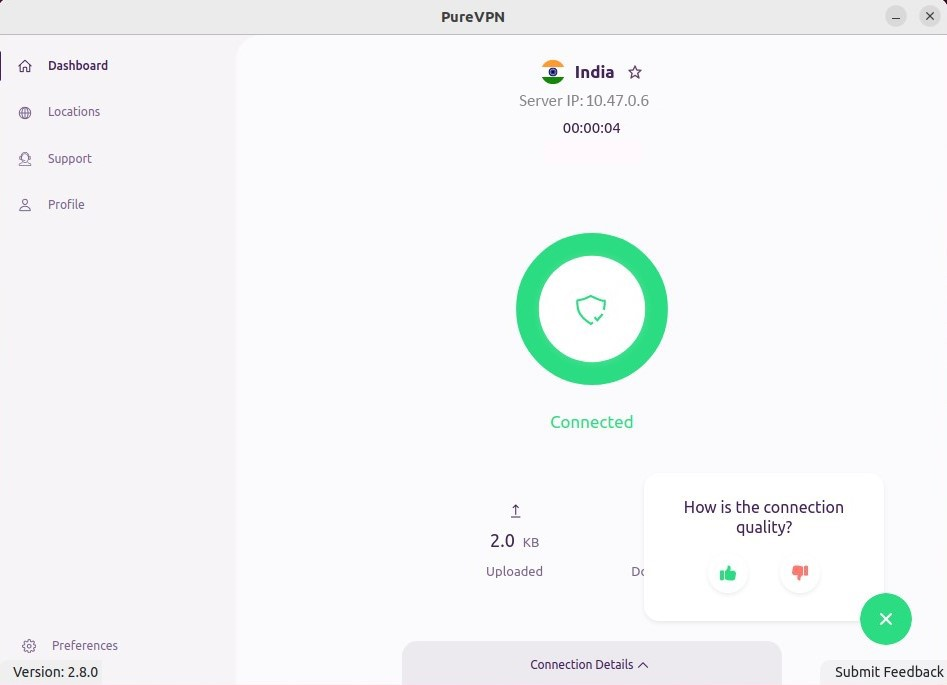
- Congratulations! You have successfully connected with your Dedicated Server.
Android
- Tap on "View all locations 🌐" from the middle section of the screen.

- Tap the Dedicated Server option to connect.

- You are now Connected successfully with your Dedicated Server.
