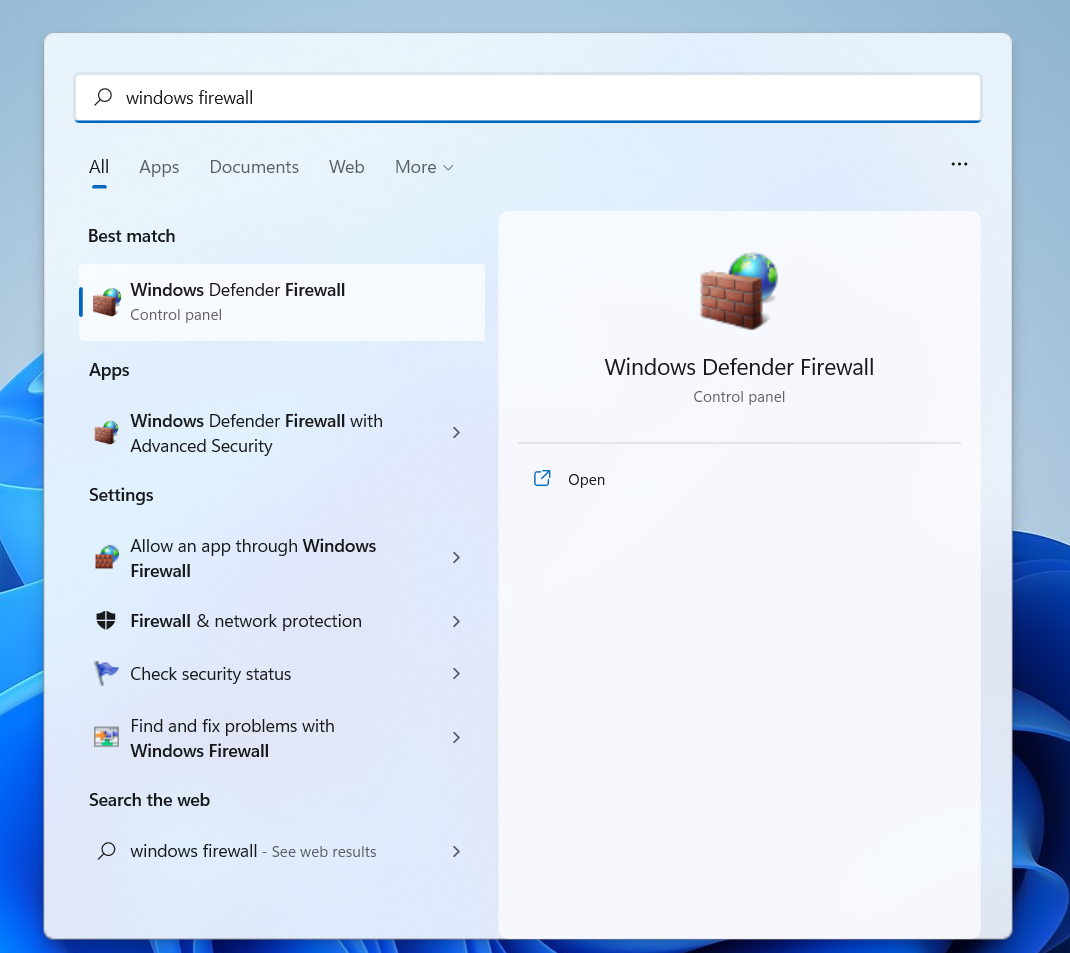
- Click the Start menu, and type in Windows Firewall in the search box. Select Windows Firewall’s icon when it appears.
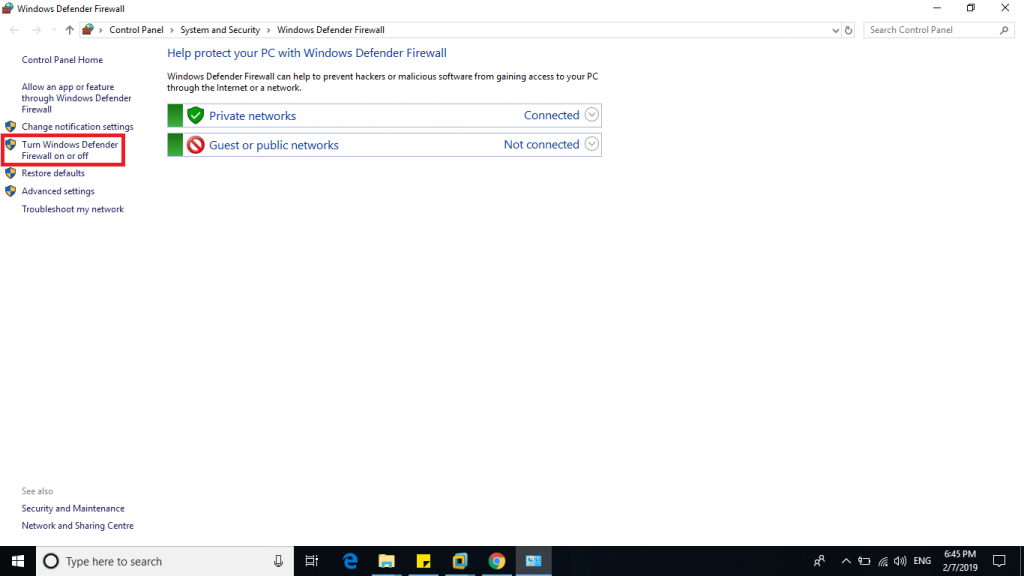
- On the left hand side of the screen, locate and click Turn Windows Firewall On or Off.
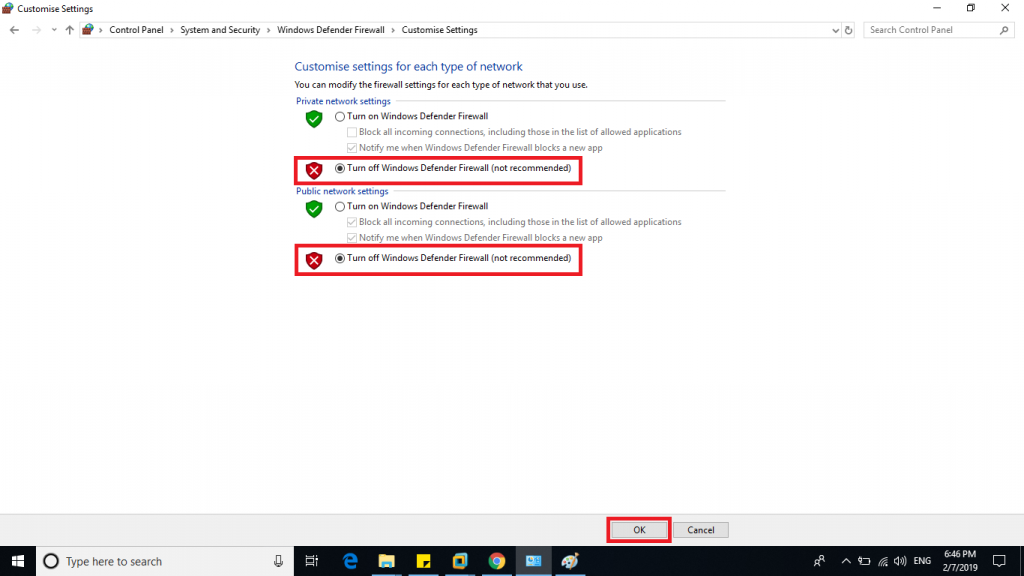
- Click Turn Off Windows Firewall to disable the system app and click OK to continue.